

Docs ComplyPress — Cookie Notice & Policy Banner for WordPress
Translate with Polylang
Use this when Polylang is active. Save the Customization screen first so the source text exists.
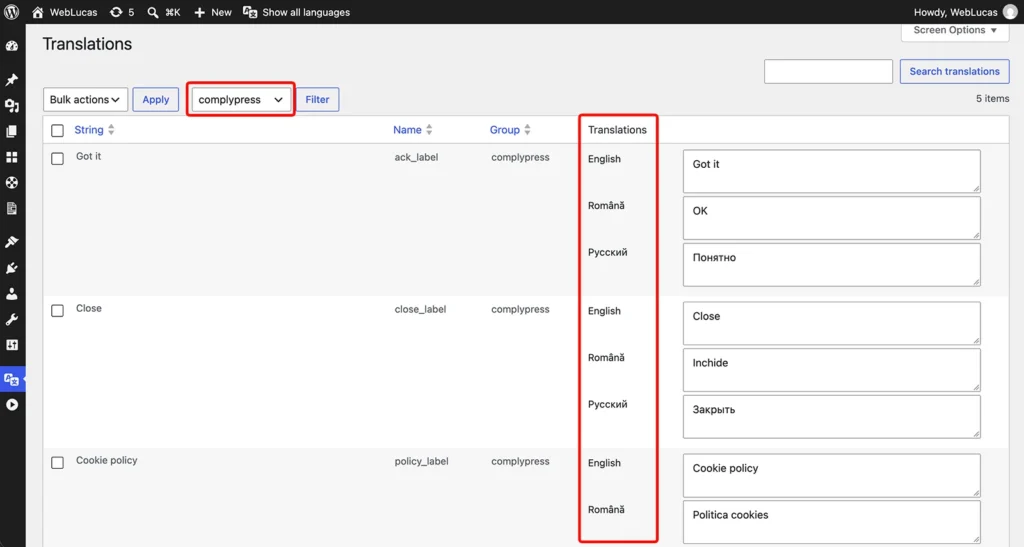
Steps
- Open Languages → Translations.
- In the group filter, choose
complypress, then click Filter. - Find the string by the Polylang name in Strings you can translate. The text matches what you saved.
- Enter the translation for each language.
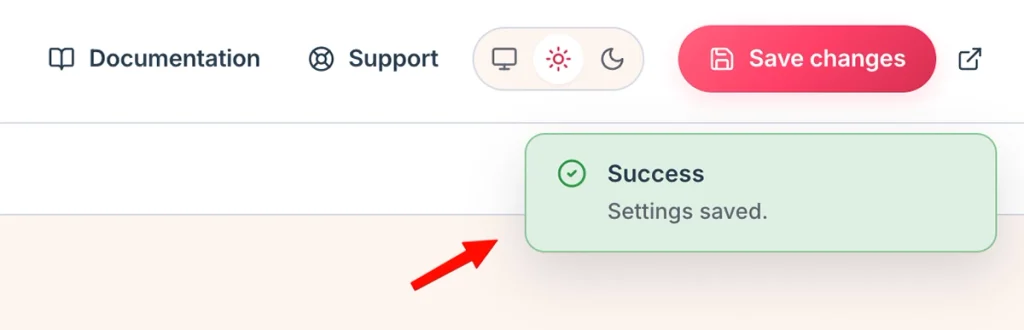
- Click Save Changes.
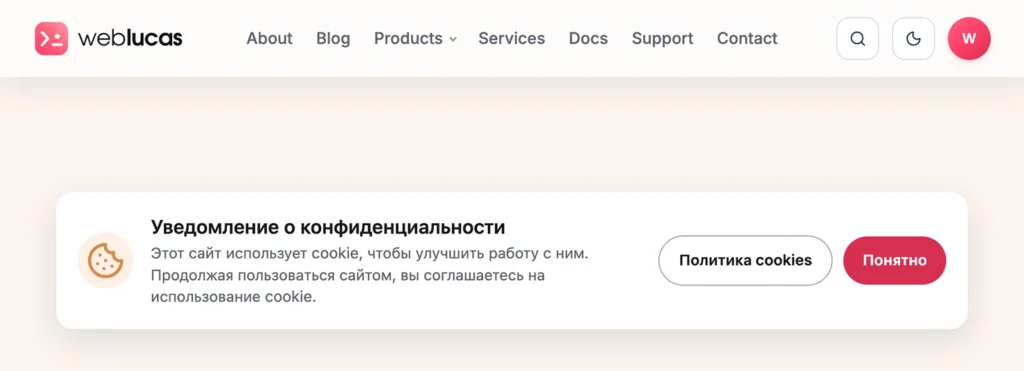
Visitors then see that translation on pages in that language. In wp-admin, the preview follows the language in the Polylang admin bar.
Still have questions?
Send us a message from the contact page and we will reply by email.