

Docs ComplyPress — Cookie Notice & Policy Banner for WordPress
Icon
The icon sits at the start of the notice. Open Customization → Icon.
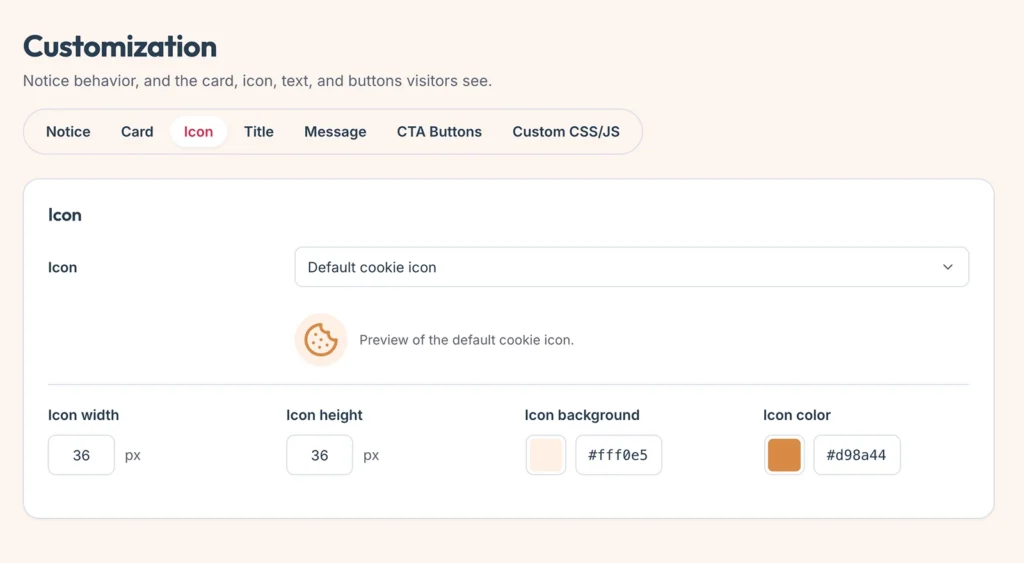
Choose an icon
- Leave the built-in cookie mark, or upload your own image.
- Allowed types are PNG, JPG, GIF, WebP, and SVG.
- SVG uploads are limited to administrators and stored as a sanitized copy.
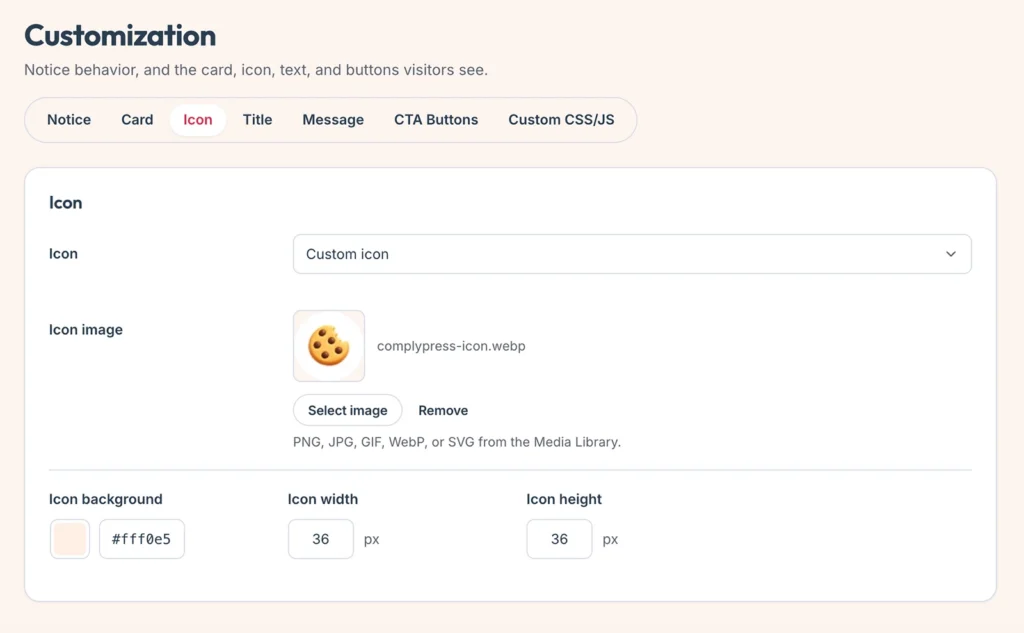
Size and color
- Icon background and Icon color style the built-in mark.
- Width and Height set the icon box in pixels.
Check the preview, then click Save changes.
Next: the Title.
Still have questions?
Send us a message from the contact page and we will reply by email.