

Docs ComplyPress — Cookie Notice & Policy Banner for WordPress
Message
The message is the sentence visitors read on the notice. Open Customization → Message.
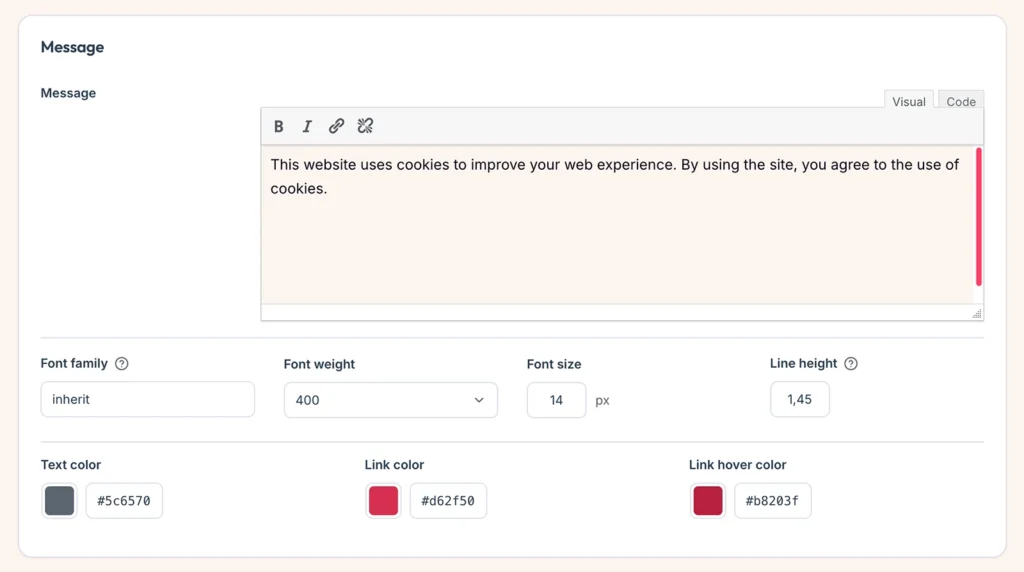
Write the message
- Enter the text in the editor. You can use links.
- If the message is empty after formatting is removed, the notice does not show.
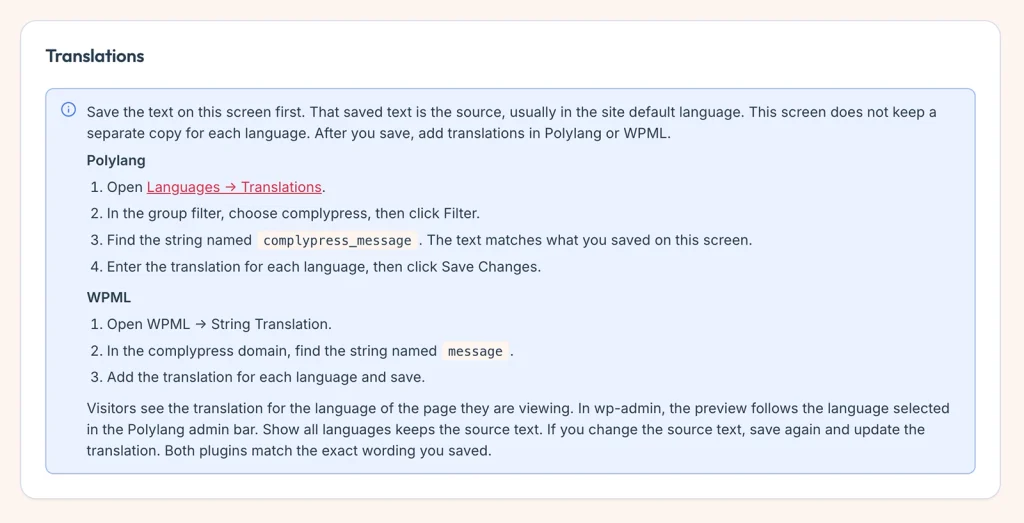
- Save first. That saved wording is what Polylang and WPML match. See Strings you can translate.
Look
- Font family, Font weight, Font size, and Line height.
- Text color — the message itself.
- Link color and Link hover color — links inside the message.
Click Save changes.
Next: Buttons.
Still have questions?
Send us a message from the contact page and we will reply by email.