

Cookie Notice
ComplyPress — Cookie Notice and Policy Banner for WordPress
Publish a branded cookie notice with accept and policy buttons, live customization, and browser-stored acknowledgment.
- Fast and Lightweight cookie notice with a live admin preview.
- Acknowledgment stored in the browser (configurable days)
- WPML & Polylang ready — Translate everything.
- Branded colors, typography and CTA Buttons.
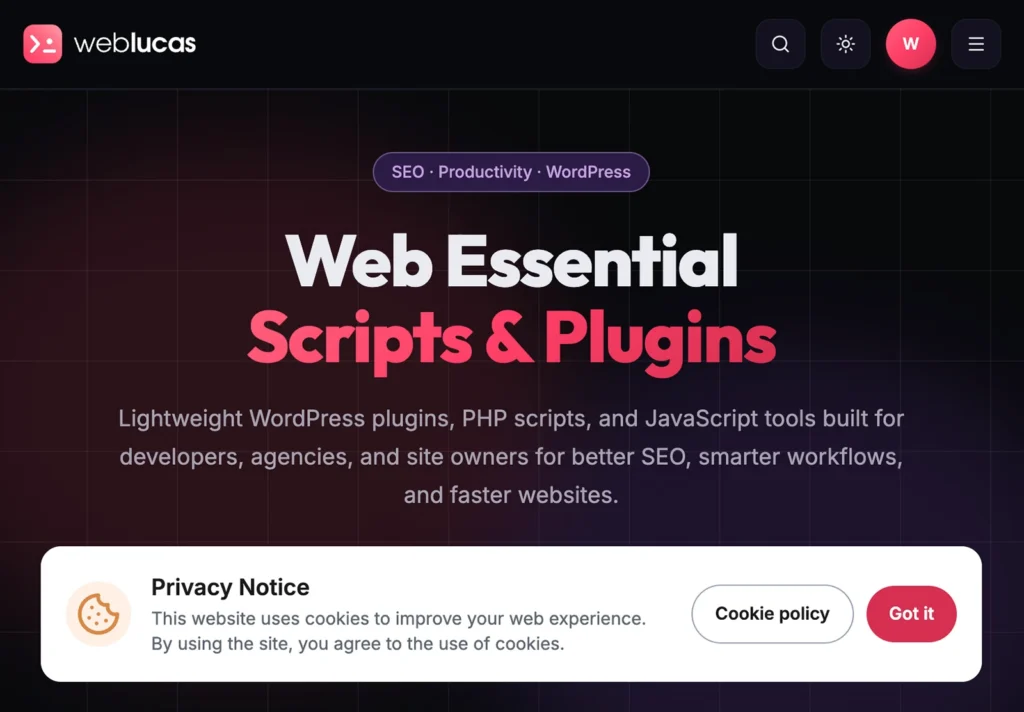
Live Demo
A responsive live demo of the cooki banner
100%
Features
Built for real sites: on-brand design, mobile-ready layout, and clear acknowledgement — without a full CMP.
-
Fully customizable
Colors, typography, spacing, CTAs, and optional custom CSS or JS.
-
Responsive design
Looks right on every screen, with a live preview as you customize.
-
Multilingual support
Translation-ready admin UI (POT included). Visitor strings work with WPML and Polylang.
-
Cookie icon
Use the default cookie mark or upload your own icon.
-
Accept & policy link
Visitors can accept the banner and open your policy page. A notice only — not a consent management platform.
-
Remembers acknowledgment
After visitors accept, the banner stays hidden for the number of days you set.
Quick & easy
Get Started In Minutes
Turn the notice on, match your brand, then confirm it on the front end.
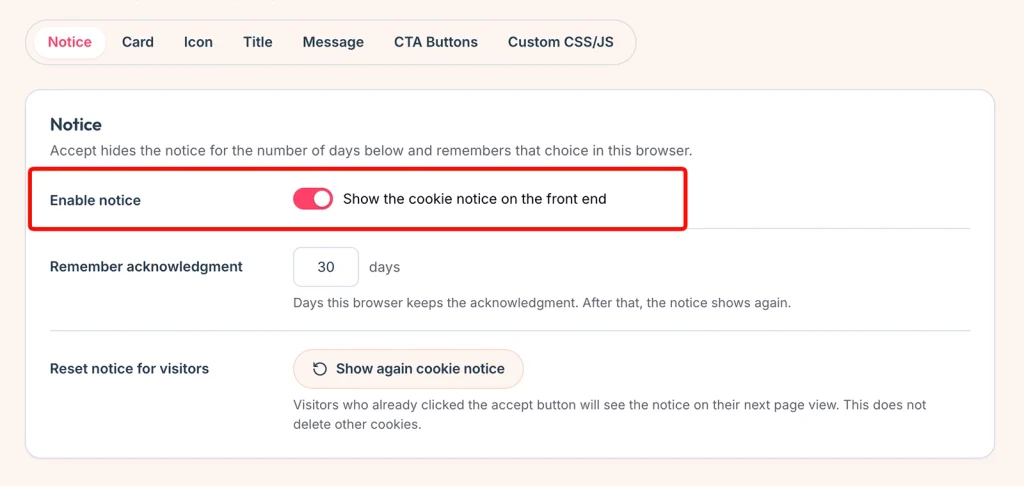
Turn the banner on
Activate ComplyPress, then open Settings → ComplyPress and go to Customization → Notice. Turn on Enable notice, choose how many days the browser remembers an accept, and save.
- The banner stays off until you save with Enable notice turned on.
- Acknowledgment is stored in the visitor’s browser. It is not a WordPress cookie from this plugin.
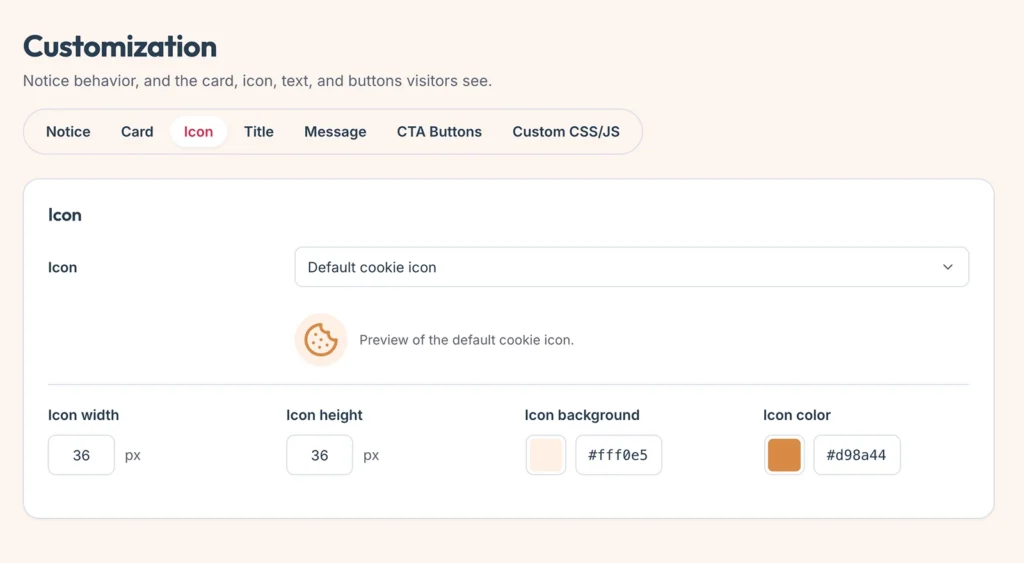
Match the card to your brand
Use Card, Icon, Title, Message, and CTA Buttons. The live preview at the bottom of the screen follows the panel you are editing, including changes you have not saved yet.
- Place the banner on the left, in the middle, or on the right. On a narrow screen it spans the width.
- Point the policy button at a page or an https URL. Leave a label empty to hide that button.
- Keep the cookie icon or upload your own.
Confirm what visitors see
Open the site in a private window. The banner sits along the bottom and does not lock the page. Accept hides it for the number of days you set. The policy link opens your page and does not save a choice.
- The same HTML is served to everyone. The browser script shows or hides the notice.
- Show again cookie notice brings the banner back for people who already accepted. It does not delete other cookies.
Documentation & support
We Got You Covered
Step-by-step guides cover installation, notice setup, customization, and translations. If you cannot find what you need, get in touch and we will help.
FAQ
Common questions
What is ComplyPress?
A lightweight cookie notice for WordPress. Visitors can accept and read your policy; their choice is remembered in the browser. It does not block scripts or replace a consent management platform.
Does it block scripts or manage cookie categories?
No. ComplyPress displays a notice only. It does not block tags, scan cookies, or sort them into categories.
Does the notice lock the page?
No. There is no overlay or modal lock. The banner sits along the bottom and the page stays scrollable and usable.
How long is acknowledgment remembered?
You choose the number of days in Notice settings. After that, or when you reset the notice revision, visitors see the banner again on their next visit.
Can I match my brand and use multiple languages?
Yes. Customize layout, colors, and copy in Customization, with a live preview. Visitor strings work with WPML and Polylang when those plugins are active.