

Docs ComplyPress — Cookie Notice & Policy Banner for WordPress
Install and activate
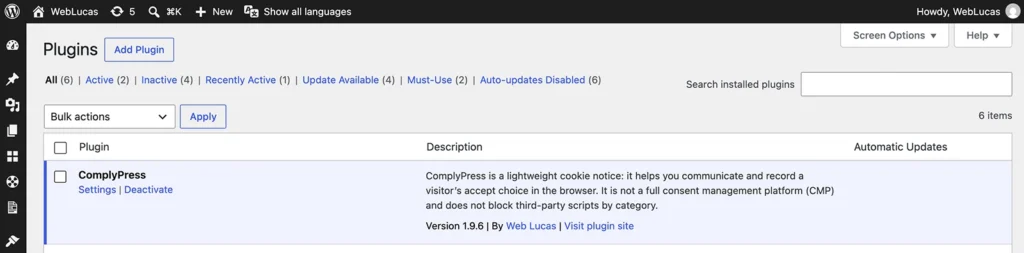
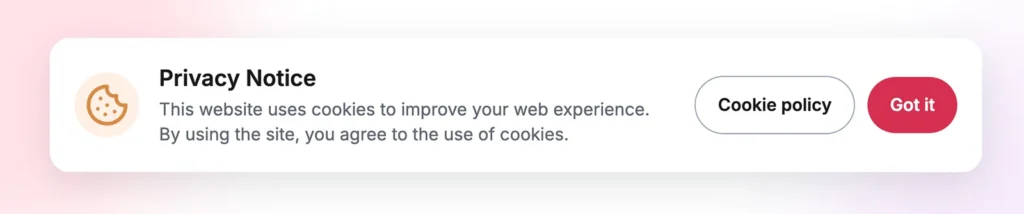
Install ComplyPress from the plugin zip, activate it, and confirm the notice appears. The notice is enabled by default with sample copy. Review that copy before you leave it on a production site.
Before you install
- WordPress 6.0 or newer and PHP 7.4 or newer.
- Administrator access, or a role that can install plugins.
- The ComplyPress zip from your purchase.
Upload and activate
- Download the ComplyPress zip. Do not unzip it.
- In WordPress go to Plugins → Add New → Upload Plugin.
- Choose the zip, click Install Now, then Activate Plugin.
If PHP is older than 7.4, WordPress shows an admin notice and ComplyPress does not load. Upgrade PHP on the host, then activate again.
Open the plugin
- Go to Settings → ComplyPress.
- Or use Plugins → Installed Plugins and click Settings under ComplyPress.
First check on the front end
- Open Customization and read the default message and buttons.
- Click Save changes if you edit anything.
- Open the site in a private or incognito window.
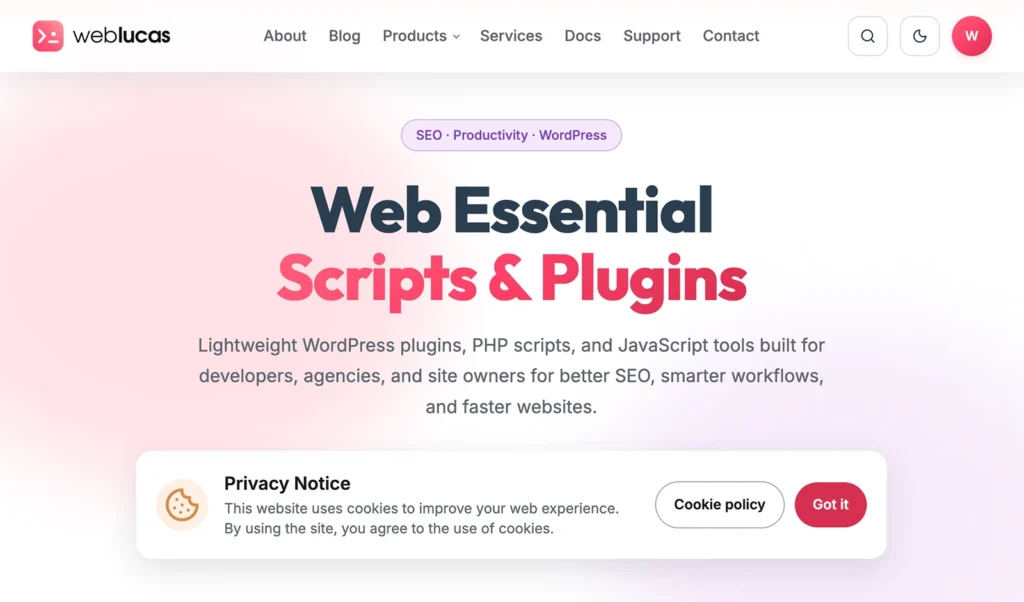
- Confirm the banner sits at the bottom and both buttons work.
Next: the Welcome page.
Still have questions?
Send us a message from the contact page and we will reply by email.