

Docs ComplyPress — Cookie Notice & Policy Banner for WordPress
Custom CSS and JavaScript
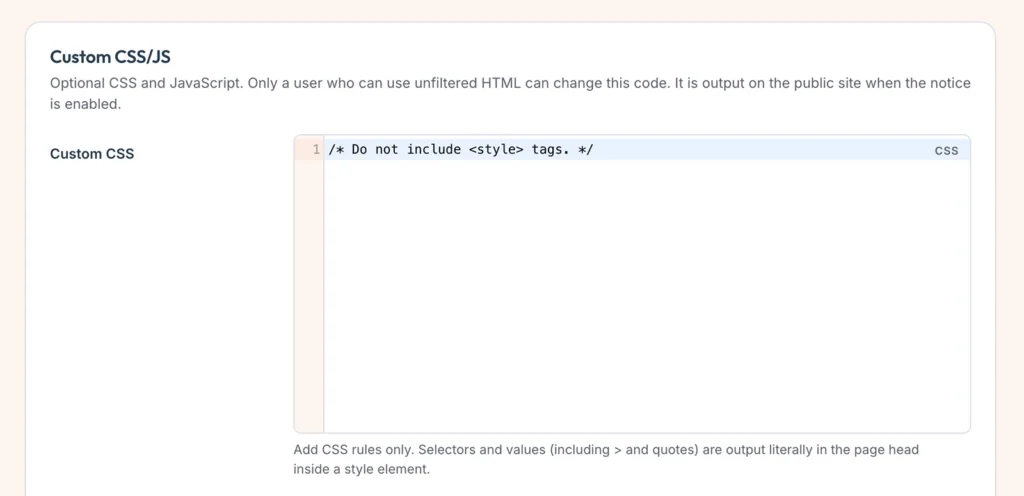
Optional code that runs with the notice. Open Customization → Custom CSS/JS.
Who can edit it
Only a user who may use unfiltered HTML can change this code. On a single site that is typically an Administrator. Existing code still prints after that user has saved it once.
Custom CSS
- Write CSS rules only. Do not wrap them in
<style>tags. - The rules are printed in the page head, inside a style element, when the notice is enabled.
Useful selectors
Target the notice with these classes:
| Selector | What it styles |
|---|---|
.cp-notice | The notice card (root) |
.cp-notice__icon | Icon wrapper |
.cp-notice__glyph | Icon image or SVG |
.cp-notice__content | Title and message column |
.cp-notice__title | Title |
.cp-notice__message | Message body |
.cp-notice__actions | Buttons row |
.cp-notice__button | Acknowledge button |
.cp-notice__policy | Policy link |
Example: card border
Style the card with a custom border width and color:
.cp-notice {
	border-width: 2px;
	border-color: #d62f50;
}
Custom JavaScript
- Write JavaScript only. Do not wrap it in
<script>tags. - The code runs in the footer for visitors when the notice is enabled.
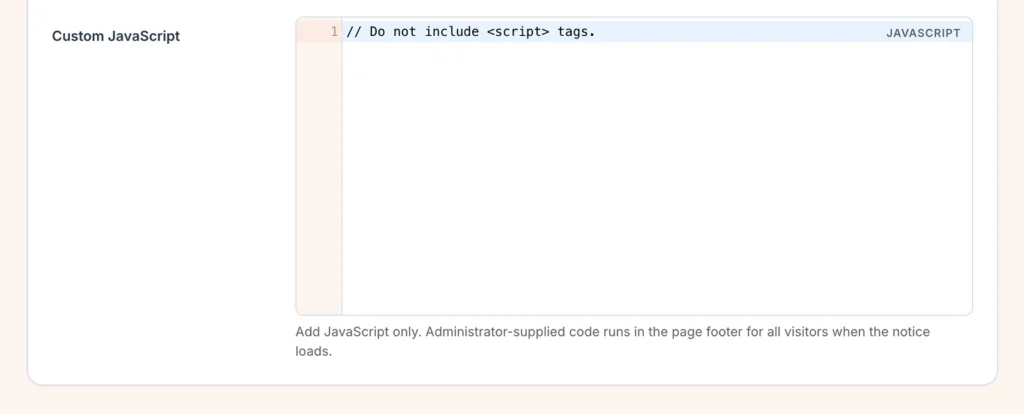
Click Save changes. Turn the notice off and the custom code is not printed.
Next: How translations work.
Still have questions?
Send us a message from the contact page and we will reply by email.